 Blattwerk
What's inside
Made for drawings that go to the workshop.
Blattwerk draws one thing only: 2D manufacturing drawings. It does that properly, and in a way you understand without a course.
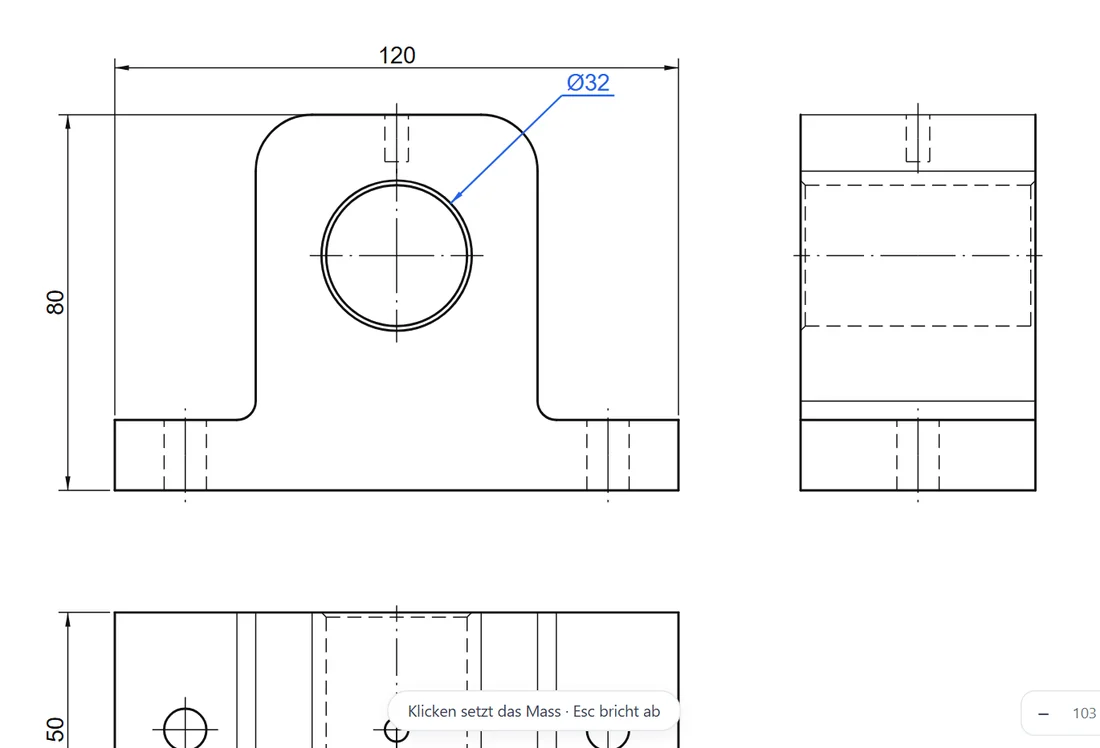
One click per dimension
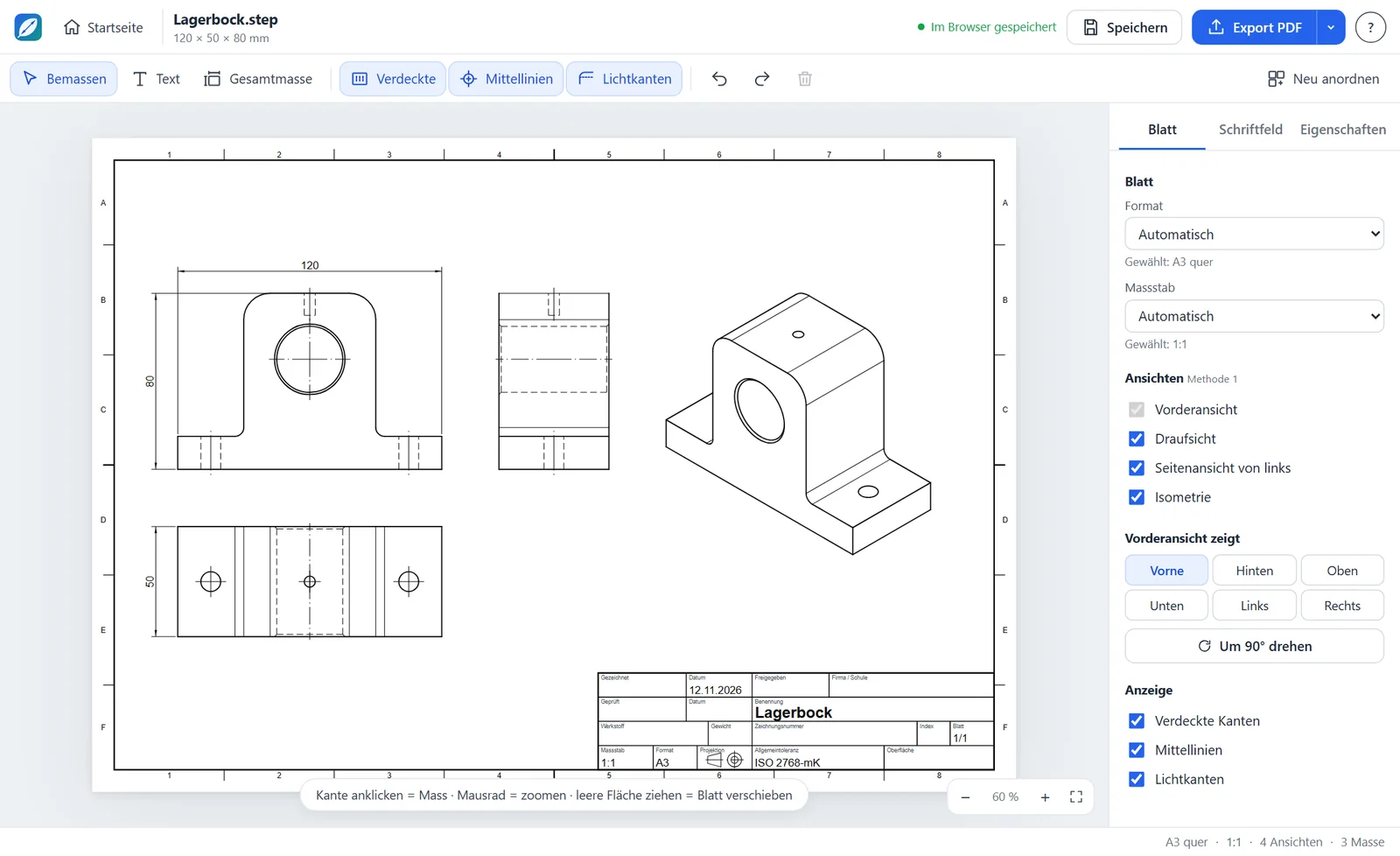
A click on an edge measures it. While the dimension follows the mouse, a click on a second edge measures the distance. Circles give diameters, arcs give radii.
You type tolerances directly: 80 ±0.1
, 25 H7
or 40 +0.1 −0.05
. Blattwerk works out
the limits to ISO 286 itself.
Auto-dimension as a suggestion, not a replacement
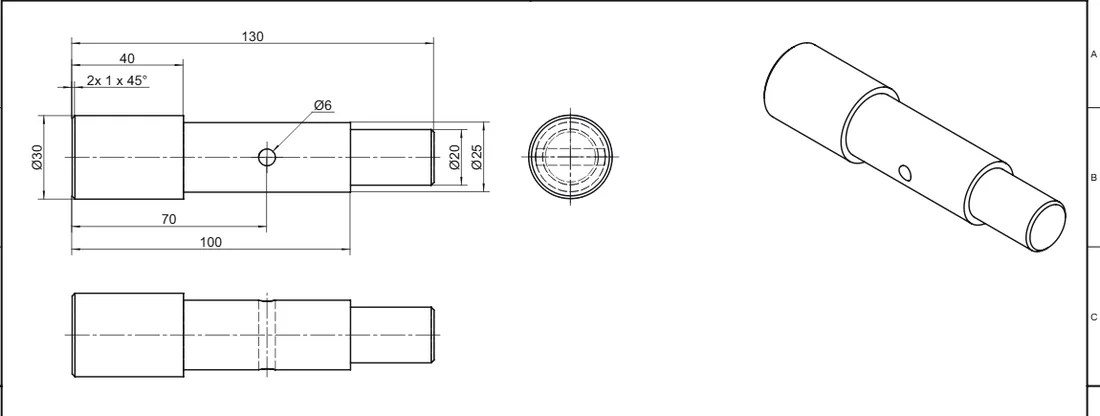
A solver looks at all views and adds the dimensions that are still missing: nothing twice, nothing on hidden edges. Turned parts get diameters from the axis, holes get a hole callout.
You accept them all, review them one by one or discard them. Tolerances and surface texture are not in the 3D model – those remain your call.
Check before it goes to the workshop
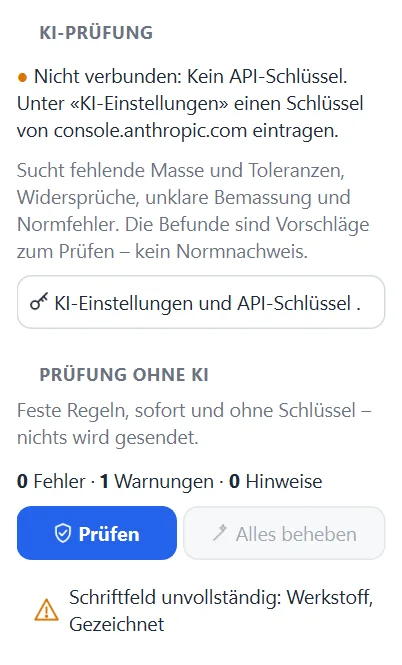
Fixed rules find missing dimensions, duplicate annotations, dimension values under lines and an incomplete title block. One click shows the spot, another applies the suggestion.
If you enter your own Anthropic key, an AI can take an additional look. The findings are hints for you, not proof of conformity with a standard.
Everything that belongs on a drawing
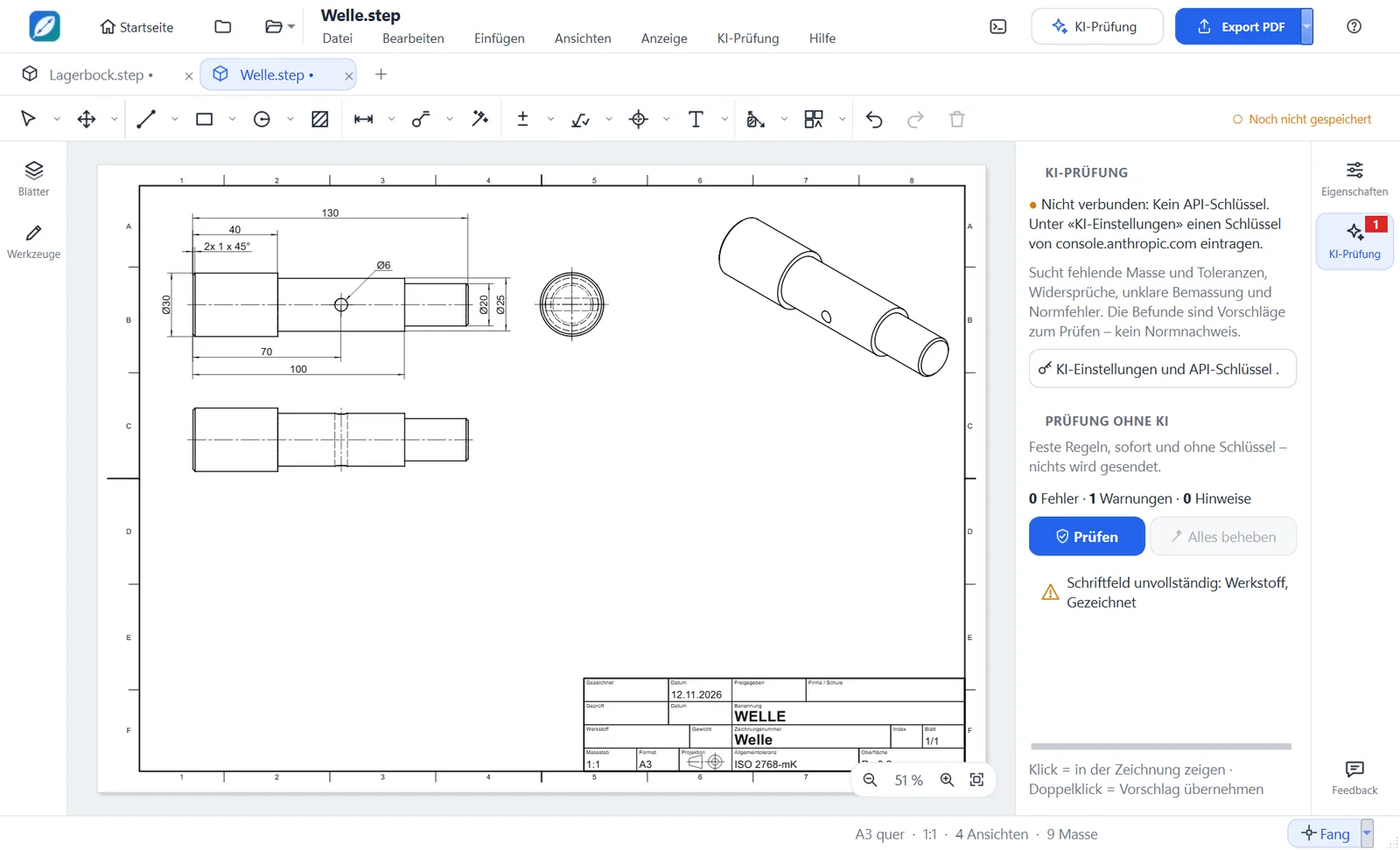
- Sections, half and stepped sections, broken-out sections, detail views
- Geometric tolerances to ISO 1101, datums, surface texture, balloons
- Edge symbols and welding symbols
- Assemblies with balloons and parts list
- Open PDF drawings and keep working on them
- Title block to ISO 7200, sheet sizes A4 to A0, scales to ISO 5455
- Export as PDF with real text, DXF, SVG and PNG
In the browser or for Windows
Two ways to the same drawing.
The browser version runs without installation, on Mac and Linux too, in English or German. The model is computed on your computer and uploaded nowhere. It can do what the Windows version can – it just does not read DWG files. The AI check runs with your own Anthropic key. The Windows version is currently in German only.
| Browser | Windows | |
|---|---|---|
| Open STEP, IGES, BREP, STL, OBJ, 3MF, PLY | ✓ | ✓ |
| Open and dimension PDF, DXF, SVG and images | ✓ | ✓ |
| Open DWG | – | ✓ |
| First-angle views, isometric, hidden edges, centre lines | ✓ | ✓ |
| Dimensions by click, chain, angle, chamfer, thread, tolerances and fits | ✓ | ✓ |
| Geometric tolerances, datums, surface texture, balloons, notes | ✓ | ✓ |
| Drawing with snap and typed values, layers, templates | ✓ | ✓ |
| Title block, sheet sizes A4 to A0, scale, several sheets | ✓ | ✓ |
| Export PDF, DXF, SVG, PNG and printing | ✓ | ✓ |
| Sections (also inclined), stepped and half sections, details, broken-out sections, rotated views | ✓ | ✓ |
| Auto-dimension (also turned parts and hole circles) and check | ✓ simpler rules | ✓ |
| Welding symbols, edge symbols, tables | ✓ | ✓ |
| Assemblies, parts list, exploded view, editing PDF drawings | ✓ | ✓ |
| “My drawings” with folders, backup and older versions | ✓ | ✓ |
| Language | English, German | German |
| Installation | none | about 500 MB |
| Open the app | Download |
Try it with your own part.
Drag a STEP file into the browser window and see what comes out. If it suits you, there is also the Windows version with all the trimmings.